
Apple’s upcoming Fall event is shaping up to be one of its most strategically complex product showcases yet. Usually, Cupertino’s hardware narrative is a linear step forward, but this year, we are looking at a multi-generation silicon overlap.

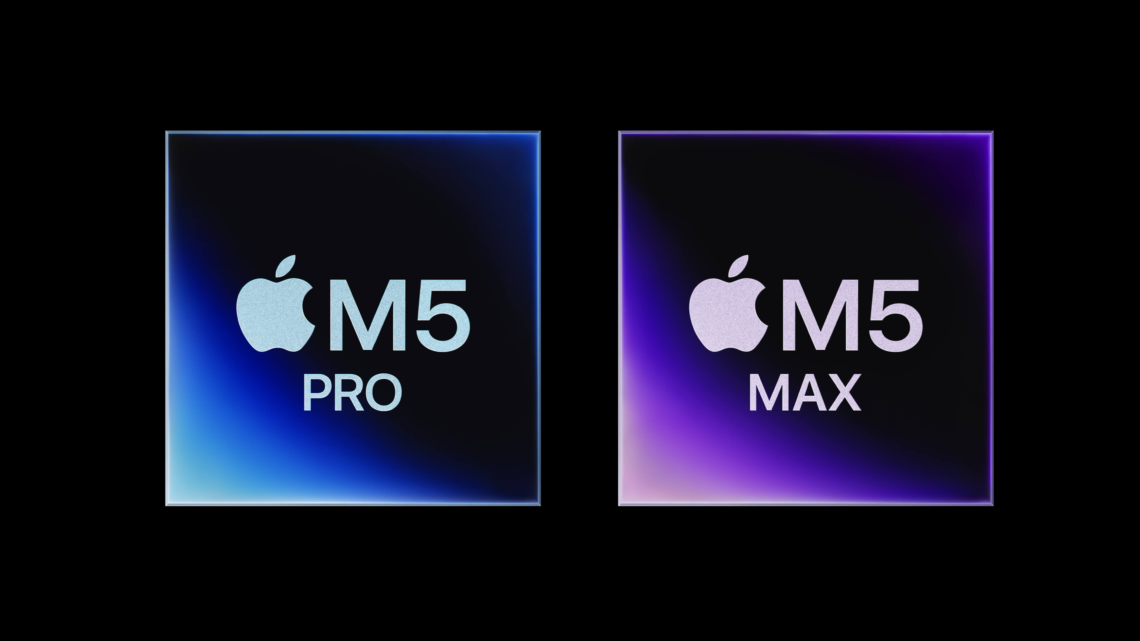
With the basic, Pro, and Max flavors of the M5 chip family already anchoring the MacBook Air and Pro lineups earlier this year, Apple is preparing to push its remaining desktop fleet into the M5 era. However, the rumor mill has fundamentally shifted focus toward what lies just beyond the horizon: the next-generation M6 architecture.
1. M5 vs. M6: The Architectural Delta
The core tension of Apple’s current hardware ecosystem is timing. The M5 family (built on TSMC’s refined 3-nanometer process) is highly capable, introducing split CPU and GPU block architectures that dramatically lift on-device AI performance.
But the looming shadow is M6. Leaks from TSMC’s supply chain indicate that the M6 will mark Apple’s historic jump to a 2-nanometer (2nm) process node. If you are looking at the two chips side-by-side, the performance delta isn’t just a routine 10% clock-speed bump—it’s a massive shift in physical efficiency.
   [ M5 Architecture ]                     [ M6 Architecture ]
   • 3nm Process Node                      • 2nm Advanced Node
   • Combined SoC Block                    • Decoupled Die Block Architecture
   • High On-Device AI Core Baseline       • Next-Gen AI Silicon / Massive Neural Engine
   • Sustained Thermal Efficiency          • ~20-30% Reduction in Power Draw
The Benchmark Comparison
While the M5 focuses heavily on maximizing the performance-per-watt metrics of the 3nm design, the M6 is being engineered to tackle intense, continuous AI processing without thermal throttling:
| Vector | M5 Chip Family (Current Benchmark) | M6 Chip Family (Fall Leaks / Early 2027) |
| Lithography | 3nm Enhanced | 2nm TSMC Gate-All-Around (GAA) |
| Primary Focus | Neural Engine throughput & graphics block separation | Massive reduction in battery draw & extreme AI execution |
| GPU Architecture | Shared memory pooling | Fully isolated, modular graphics block |
| Target Machines | MacBook Air, Entry MacBook Pro, Mac mini | Mac Studio, MacBook Ultra, Redesigned Pro Fleet |
The M6’s rumored architectural pivot means the chip can isolate heavy graphic and AI workloads much better than the M5, giving it an estimated 25% advantage in raw efficiency.
2. The Hardware Rollout & Expected Pricing
Because a global RAM shortage has reportedly bottle-necked the production of high-end M6 architectures, Apple is executing a split rollout strategy for its hardware.
The Fall Desktop Push (M5)
The iMac, Mac mini, and Mac Studio are the prime candidates to finally receive their M5 upgrades this Fall, filling out the product matrix.


- Mac mini (M5): Expected to hold its entry-level crown, starting around $599.
- iMac 24″ (M5): Positioned as the ultimate family hub, starting at $1,299.
- Mac Studio (M5 Max / Ultra): Geared toward creative studios, expected from $1,999.
The Vanguard of M6: The “MacBook Ultra”
The real headline-grabber for late Fall or early 2027 is a rumored flagship laptop line sitting entirely above the current Pro ecosystem: the MacBook Ultra.
Reported to feature a tandem OLED touchscreen, a thinner chassis, and integrated 5G cellular connectivity, this machine is being designed specifically to debut the M6 Pro and M6 Max silicon. Given the bleeding-edge tech, paddock speculation pegs the starting price of the Ultra north of $3,500.
3. The Cross-Platform Siri AI & New Parental Controls
On the software front, the silicon power is being leveraged to fuel the completely overhauled Siri AI unveiled at WWDC. Shipping with iOS 27 and macOS 27 this Fall, Siri is shedding its legacy voice-assistant constraints to become a deeply integrated agent that works seamlessly across iPhone, iPad, and Mac.
The centerpiece of this cross-platform integration is a completely rewritten, highly granular suite of Parental Controls. Rather than hiding settings across disparate device menus, parents can manage their family’s ecosystem directly through conversational Siri prompts or a centralized dashboard.
             [ Parent Device: Siri / Screen Time Hub ]
                                │
         ┌──────────────────────┼──────────────────────┐
         ▼                      ▼                      ▼
  [ iPhone 17 ]           [ iPad Pro ]          [ MacBook Air ]
  • Ask to Browse         • Time Allowances     • App Blockers
  • Contact Approval      • Category Locks      • Content Interventions
The Safeguard Suite: The updated architecture forces a unified system lock the moment a child account is initialized.
Key safety features shipping in the Fall update include:
- Ask to Browse: If a child attempts to access an unverified URL in Safari on any device, an instant authorization prompt hits the parent’s screen.
- Intelligent Time Allowances: Parents can set rigid, expert-backed daily limits specifically across three high-friction categories: Entertainment, Games, and Social Media.
- Advanced Communication Safety: Building on the existing system that blurs explicit images, the new on-device AI will actively intervene to block extreme violence or gore in Messages and FaceTime across all family hardware.
This cross-platform approach ensures that boundaries set on an iPad during school hours instantly sync to a child’s iPhone or Mac, eliminating the loopholes kids have historically used to bypass Screen Time restrictions.